Proposal editor
Letter-size pages, federal numbering, tables, callouts and document styles.
Read moreProposal writing software
Updated
Proposal writing software for government contractors gives the whole team one place to write a federal, state or local proposal. In ProposalWorkspace the outline comes from the RFP, each section has an owner and a page limit, writers work in a Word-like editor with tracked changes and comments, reviews run on a schedule, and every volume exports to Word or PDF with the numbering intact.
No credit card. Every feature on every plan.
Writing a government proposal
A government proposal is written by several people at once against a fixed structure, a fixed page count and a fixed date. The structure comes from the solicitation: on a federal RFP, Section L says what to write and in what order, and Section M says how it is scored (FAR 15.204-1; 15.109 in the FAR overhaul text). A state or local RFP sets its own instructions and criteria.
General writing tools handle the words but not the rest: who owns which section, how many pages it may use, which requirement it answers, which review it is waiting for, and whether the final file still has a comment or tracked change left in it. Those are the things that cost points or get a volume rejected.
ProposalWorkspace keeps the words and those facts together, per section, in one workspace per bid.
Structure first
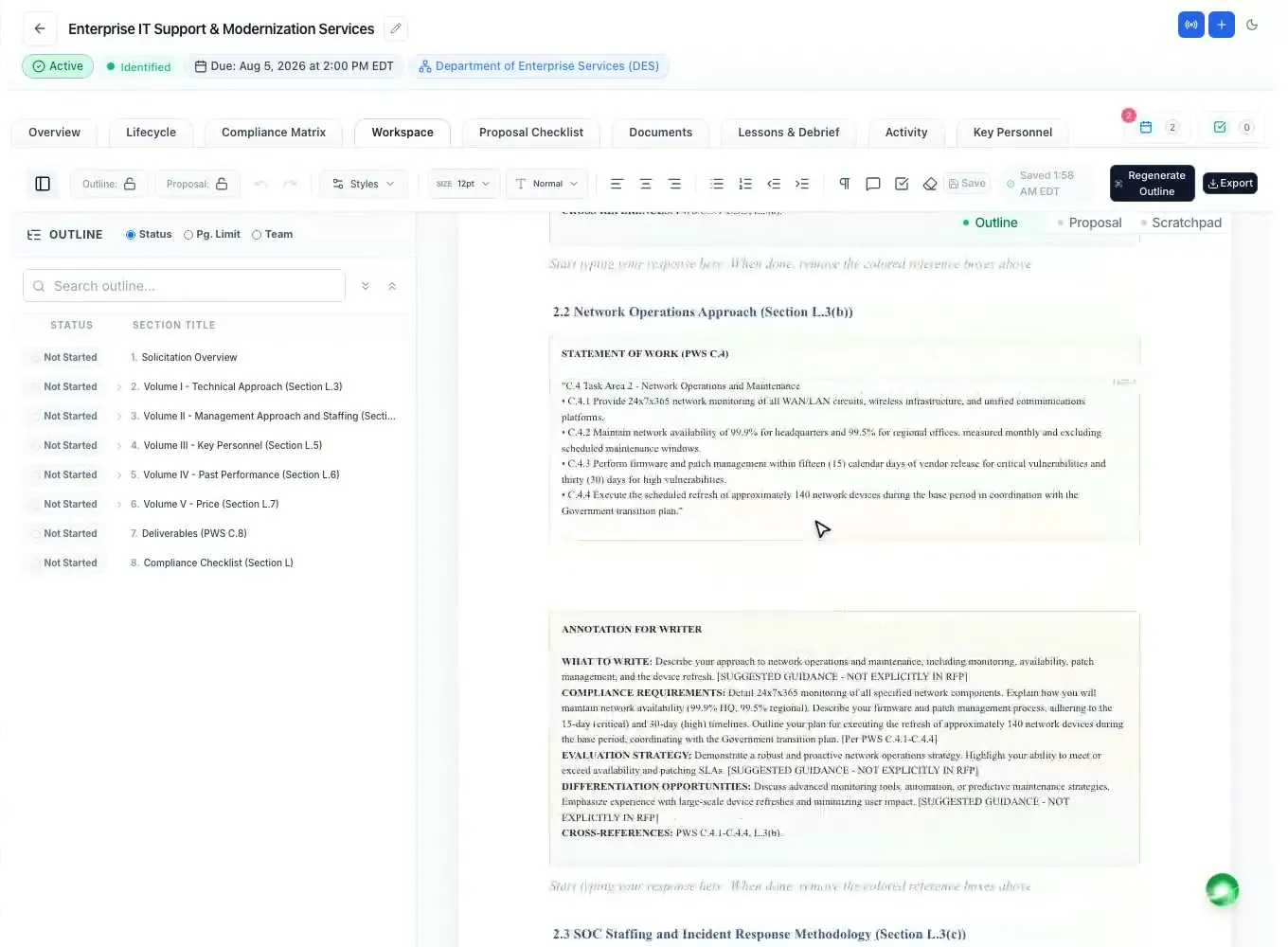
Writing starts from the annotated outline, built from the solicitation: one volume per the RFP's own volume names, each heading placed under the instruction it answers, with guidance for the writer and the page or item limit where the RFP states one. The outline pane on the left shows every heading, and the outline can be locked once the team agrees on it.
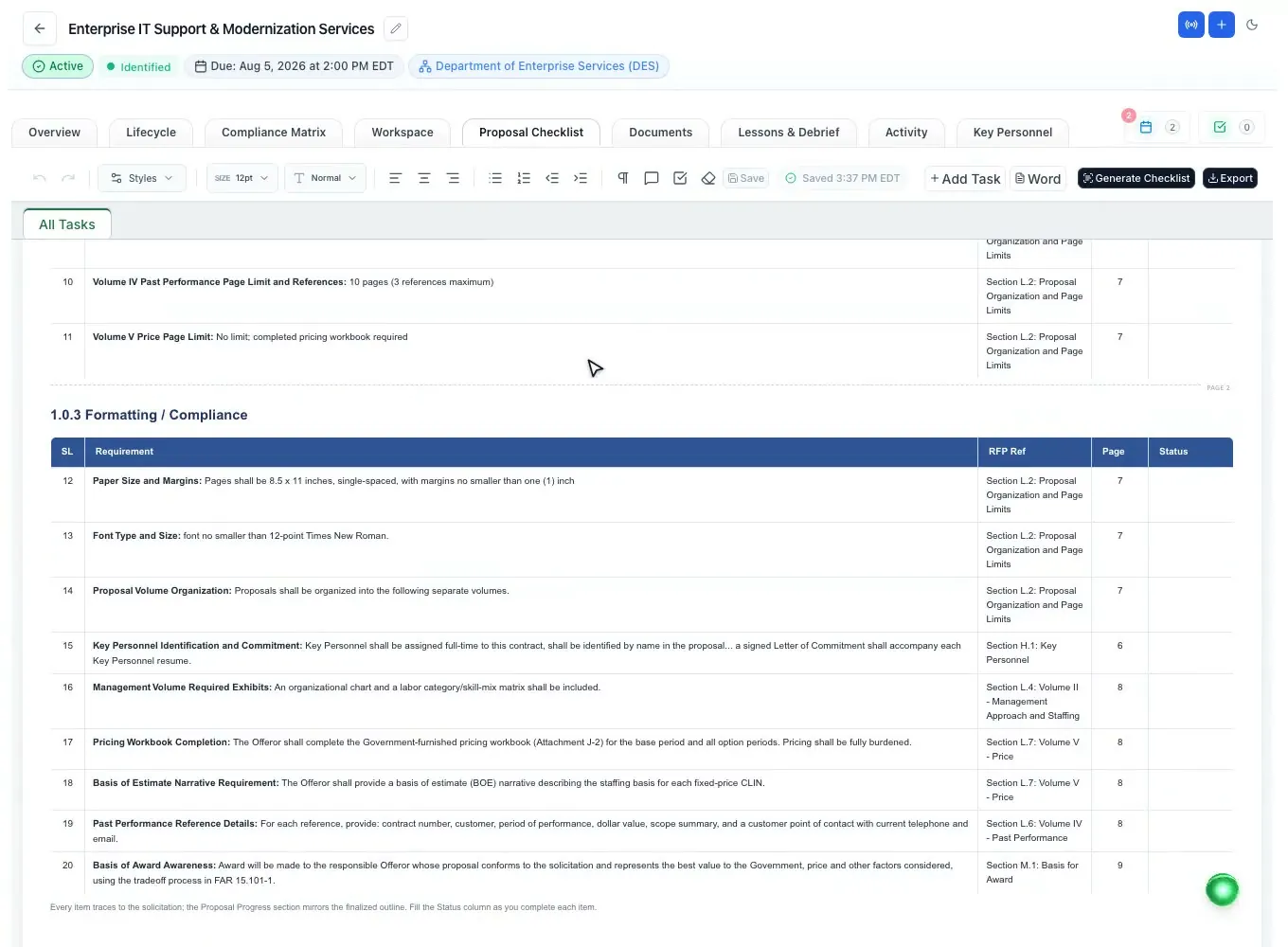
The workspace then walks the team through the order that works: finalize the outline, build the matrix and checklist, write the proposal, run the final check and sign-off, submit.
How the outline itself is built: the proposal outline generator. How to write one by hand: a federal proposal outline that follows Section L.
One volume, many writers
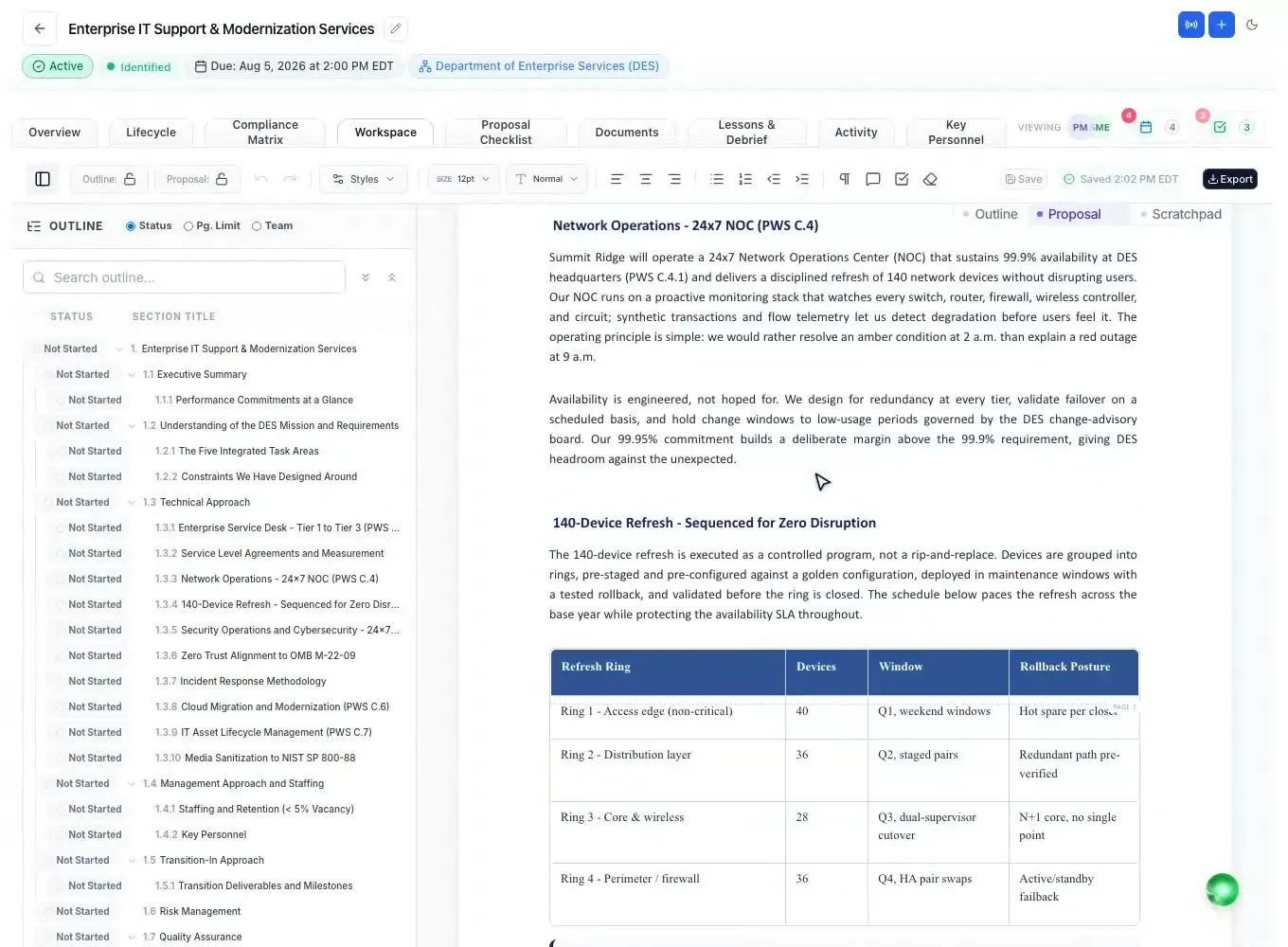
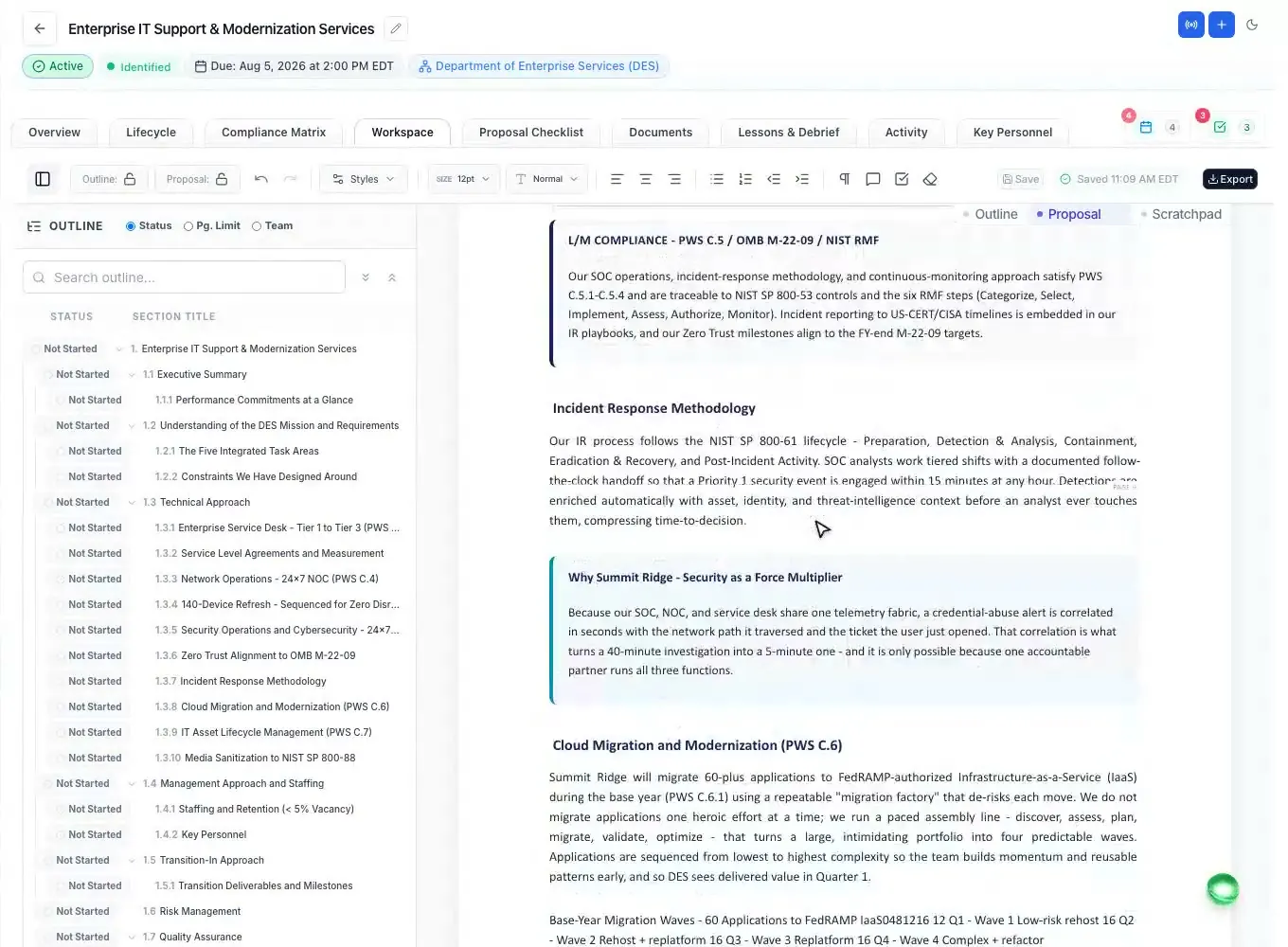
Each heading carries its own status, owner and page limit, and they stay attached to the section as it moves. Writers work on letter-size pages with the tools they know from Word: headings with automatic federal numbering (1., 1.1, 2.1.1), tables with header shading, images, callout boxes, page breaks, and fonts and colors set once in the document styles.
Everyone edits the same document. It saves itself as you type and merges a teammate's newer edit instead of dropping it, and the version history keeps named versions (Draft 1, Draft 2) that you can restore. Assign a task from any selected text, and a teammate gets it with a due date.
Need a first draft to start from? The built-in AI can draft every section from the outline and your Company Library: see the AI proposal writer.
Color teams and redlines
Turn on Suggesting mode and every insertion, deletion and format change is tracked and marked with who made it, so a reviewer accepts or rejects each one, or all at once. Comments sit in the margin beside the text they refer to.
Pink, Red and Gold Team reviews go on the proposal deadlines as review milestones, with the date and time the whole team sees and a reminder email in the days before. During a review, the AI can score a drafted section against its compliance row the way an evaluator would, from 0 to 100 with Pass, Warning or Fail and the reason, so reviewers spend their time on judgment instead of hunting for missing requirements.
What each review should look for: Pink, Red and Gold Team reviews.
The last mile
Many teams finish in Microsoft Word. The ProposalWorkspace add-in for Word, Excel and PowerPoint runs twelve checks over the open document: page limits against each section's limit, tracked changes and comments left in the file, required forms, formatting against the checklist's rules, requirement coverage, placeholders, acronyms, document metadata and readability.
Or export from the editor: Word (.docx), Word with a table of contents, or PDF, with the federal numbering the same in every format. Pick the volumes you need and each becomes its own file; several arrive as one .zip. Amendments are compared with the base RFP and applied as tracked changes, so a late change does not mean rewriting from scratch.
How it works
Generate the annotated outline from the RFP, agree on it and lock it.
Give each section an owner and a page limit, and put the review dates on the schedule.
Draft in the editor, from scratch or from an AI first draft, with comments and tasks as you go.
Pink, Red and Gold Team reviews with tracked changes and evaluator-style section scores.
Run the Word checks, export each volume to Word or PDF and submit.
Every feature is on every plan. Plans start at $99 a month billed annually for Solo with 2 seats ($129 billed monthly), with a 7-day free trial and no credit card. Full pricing
In the product
Letter-size pages, federal numbering, tables, callouts and document styles.
Read moreEvery edit marked with its author, accepted or rejected one by one.
Read morePink, Red and Gold Team dates on the schedule, with reminder emails.
Read moreTasks from selected text, team chat and calls inside the workspace.
Read moreTwelve checks and page limits in the document you are finishing.
Read moreA first draft of every section from the outline and your own records.
Read moreQuestions people ask
Software built for writing a federal, state or local proposal as a team: an outline that follows the solicitation, an owner and page limit per section, a shared editor with tracked changes and comments, scheduled reviews, and an export in the format the agency asks for.
Yes. Everyone works in the same document; it saves as you type and merges a teammate's newer edits instead of overwriting them. Each section keeps its owner and status, and the version history lets you name and restore versions.
Each section carries its own page limit, and the Word add-in checks the open document against those limits before you submit, along with leftover tracked changes, comments and placeholders.
Pink, Red and Gold Team reviews go on the proposal deadlines as review milestones, with a reminder email before each one. Reviewers mark up the draft with tracked changes and comments, and the AI can score a section against its requirement the way an evaluator would.
Yes. Export to Word (.docx), Word with a table of contents, or PDF, with the federal heading numbering the same in each. Several volumes export as separate files in one .zip.
No. The same writing workspace is used for state, county, city and school district bids; the outline follows each RFP's own instructions. See state and local proposal software.
ProposalWorkspace starts at $99 a month billed annually ($129 billed monthly) for 2 seats. The free trial lasts 7 days and needs no credit card. See pricing.
 ProposalWorkspace
Set up in minutes
Free trial, no credit card. Claude connector included.